
The festival poster is approved, and then the venue changes. The date stays the same, the flowers still suit the event, and the illustration is still attractive. Yet the organizer has to rebuild the whole image because the address is part of the artwork. A small logistical correction has become another design job.
That failure is avoidable when the decorative image and the practical information remain separate. An event background can be expressive while the date, location, and contact details stay editable in a layout tool. The useful question is what happens after approval: can the organizer make a necessary correction without commissioning a new picture or accidentally leaving an old detail behind?
A Venue Change Exposes the Cost of Flattened Information
Imagine a neighborhood craft fair originally scheduled for a school courtyard. Rain forces it into a nearby hall. A poster with the old address embedded among painted flowers is difficult to correct cleanly. Covering the address may obscure the flowers, while generating the image again may change the entire composition. The organizer needs a clear new address, not a different artistic direction.
The same problem appears with a ticket price, a start time, or a last-minute accessibility note. Those details have different owners and different approval paths from the illustration. A designer can settle the visual theme while the venue coordinator is still checking access. Combining everything in one image forces each later factual change back through the illustration process.
Kimg AI can generate artwork from a written prompt, including a composition described around a particular subject or visual style. For this job, use that capability to create the decorative background. Place the actual event information separately in software that lets you edit text. This is a division of work between tools, not a claim that a generated image contains editable text layers.
Brief the Background With a Clear Information Area
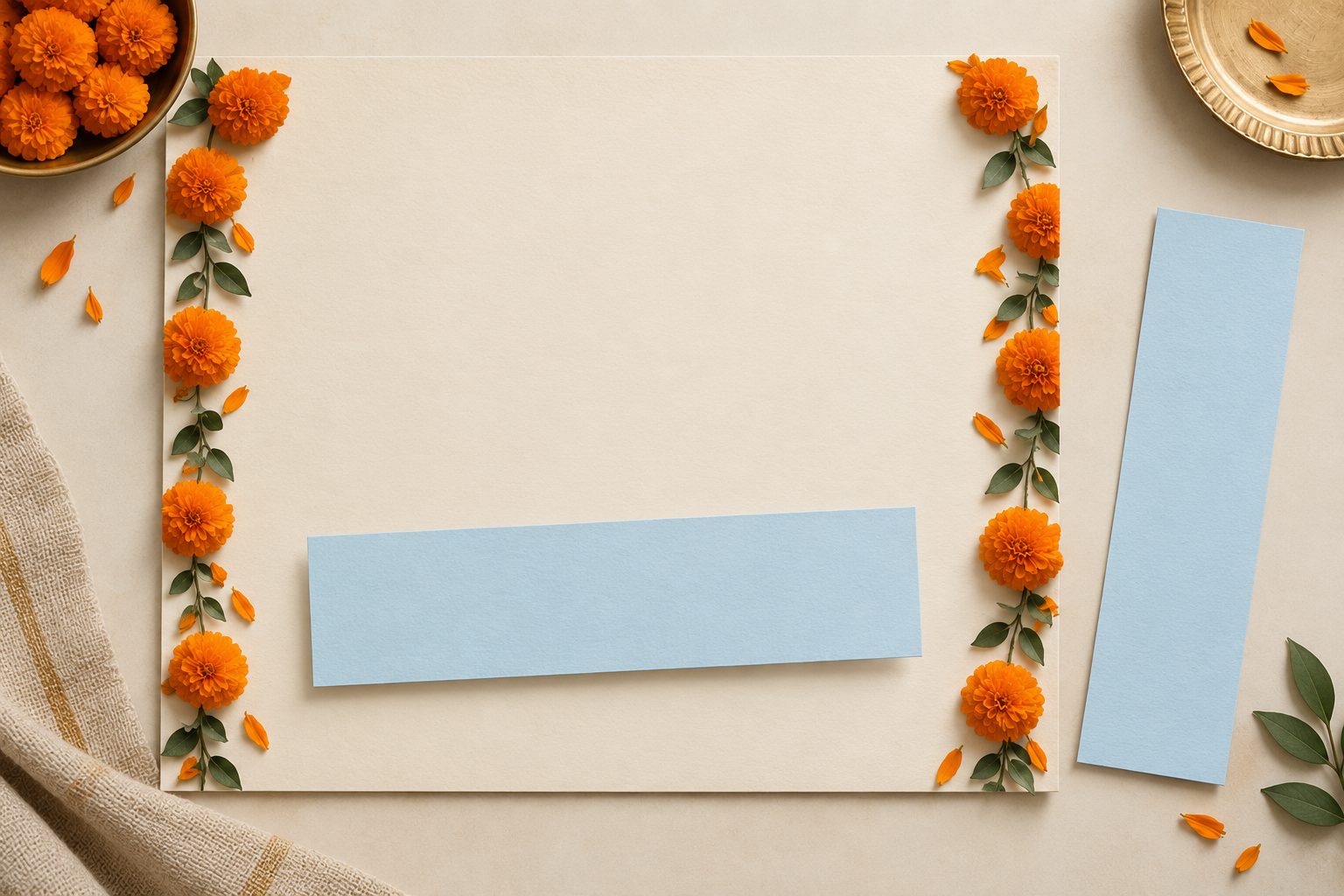
A useful background brief might describe marigold garlands around the outer edges, a quiet cream center, and no writing. The empty center has a practical purpose: it leaves room for the organizer’s information. Give the decoration an appropriate mood without asking it to solve typography, address accuracy, and event scheduling in the same request.
When using Kimg to explore the artwork, inspect the area reserved for information as closely as the decorative border. A flower crossing the center may be attractive in isolation but awkward behind a long venue name. Choose a candidate with enough space for the longest plausible line, not just the short placeholder you happen to be using during design.
Then build the layout with the real wording. A venue called Community Hall is easy to accommodate; a full school name plus building and entrance instructions may need more space. Do not squeeze crucial directions into tiny type to preserve an illustration. Reduce the artwork’s footprint or move the decoration outward. The poster exists to help someone attend the event.
Kimg AI also accepts an image as input for a described transformation. That can be useful when a promising background needs a less crowded center. Compare the new output with the original before replacing it. A successful visual edit still does not verify the event details, and a regenerated background should not be allowed to overwrite the separate text you already checked.
Keep the source layout as well as the exported poster. The export is the version you distribute; the source is what makes a later correction manageable. Name the current approved version clearly enough that another organizer can find it. You do not need an elaborate asset system, but a folder containing several almost identical images without a clear current version invites avoidable confusion.
Rehearse One Correction Before Sending the Poster Out
Before sharing the finished file, make a copy of the layout and change the venue to a longer name. This rehearsal exposes a problem while no one is relying on the poster. Watch what moves. If the date disappears under decoration or the address becomes unreadably small, the layout has too little room for ordinary changes. Adjust the spacing before approval.
A background explored through Banana AI should survive that correction without needing a fresh generation. If it does not, simplify the decorative part of the design. Repeatedly regenerating artwork to accommodate each factual edit creates more versions to confuse and more opportunities to introduce an unintended visual change.
Try a second practical alteration if the event needs it: add a short entrance instruction. “Use the side gate” can matter more to an attendee than another decorative motif. Check the poster at the size in which it will actually be shared, such as an image inside a message. Open the exported file rather than relying only on a large design canvas.
Have someone other than the layout author read the date, time, and location aloud from that export. The task is factual transcription, not a general request for feedback. If they read an old address or hesitate over which time is the start, you have a specific correction. This exercise does not establish that every attendee will understand the poster, but it catches obvious mismatches between intention and visible information.
Use a short correction check before replacing the distributed file:
- Confirm the changed detail with the person responsible for the venue or schedule.
- Check that the exported poster contains the new wording and no conflicting old detail.
- Identify the channels that still display the superseded version.
If the event is canceled, a revised decorative poster may be the wrong response. A plain, prominent cancellation notice can communicate the change more clearly. Keep that option available instead of treating the artwork as something that must be preserved through every possible outcome.
When an actual change occurs, update the source, export a new file, and check that file again. Keep track of the places where the old poster was shared. Replacing an image in one folder does not update copies already forwarded or printed. Decide which channels need a separate correction message so the revised artwork is not your only response.
Kimg AI can remain outside that logistical work once the background is accepted. That is a useful stopping point. An organizer should be able to correct an address without understanding how the illustration was prompted. If the handoff still depends on the original image creator for every word change, the separation has not achieved its purpose.
Hand Over a Background and an Editable Layout
Give the organizer both the accepted artwork and the working layout, along with the current export. Explain which file to edit and which file to distribute. For a one-off event with settled details, a simple layout may be enough. For a recurring event, keeping the background independent makes the next date easier to prepare without reusing obsolete wording.
Kimg AI is useful for exploring the visual setting of an event when you want a distinct decorative direction. The practical information belongs in an editable layer with a clear owner. Judge the finished design by whether a real correction can be made cleanly, then let the artwork stay finished while the necessary facts change.
